VLC Media Player Installation - Centos 6.5
How to install VLC on CentOS 6?
VLC installation on CentOS is quite easy, first you have to add a repository in CentOS which contain the VLC package then use yum command to install VLC.

Goto “/etc/yum.repos.d/” directory and and add the following repository.
# cd /etc/yum.repos.d/# wget http://pkgrepo.linuxtech.net/el6/release/linuxtech.repoNow install VLC player by using following command:
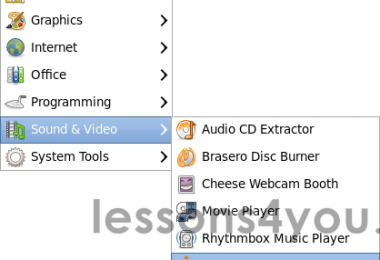
# yum install vlcNow, Go to Applicataion -> Sound and Videos -> VLC media player